Truly Simple Timeline
Visual Event & Story Planner


Screenshots
About the App
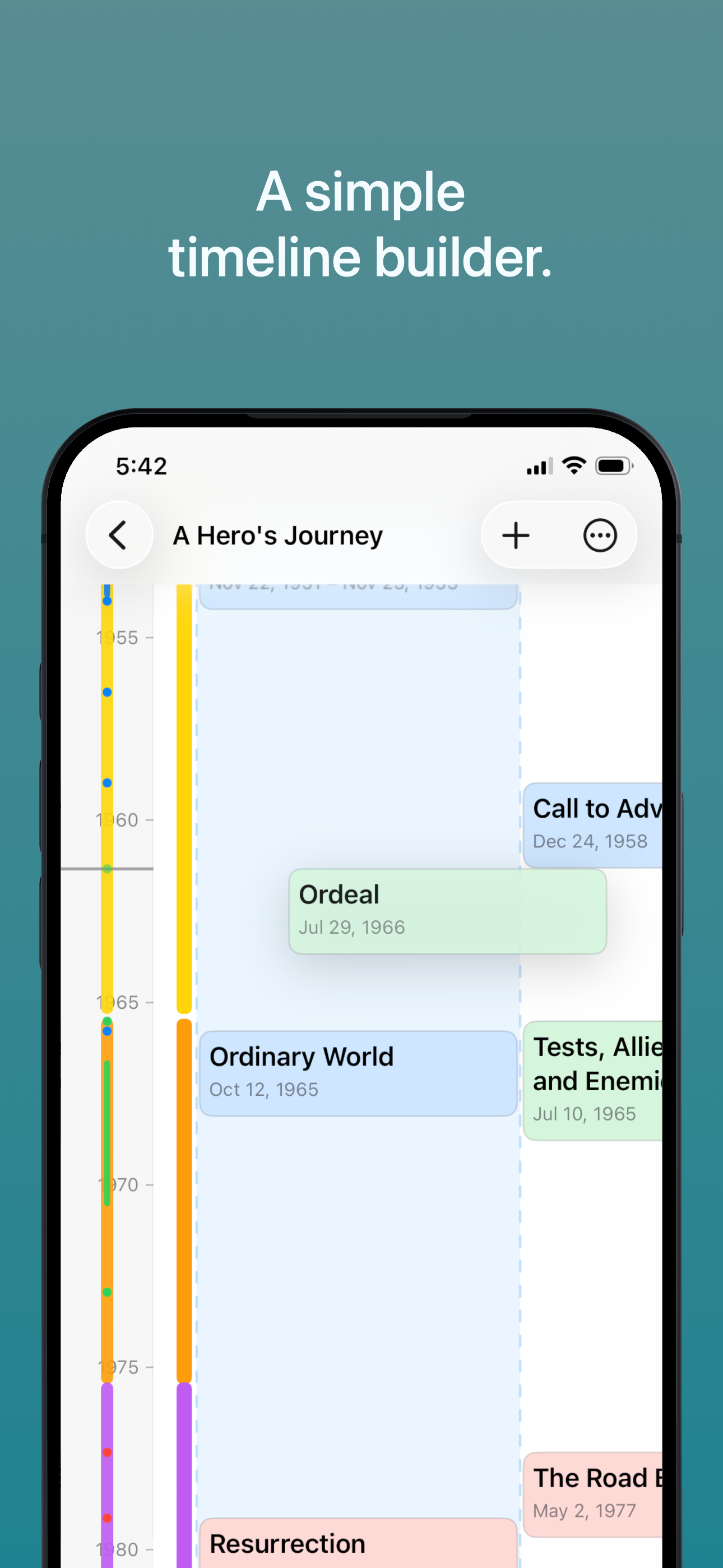
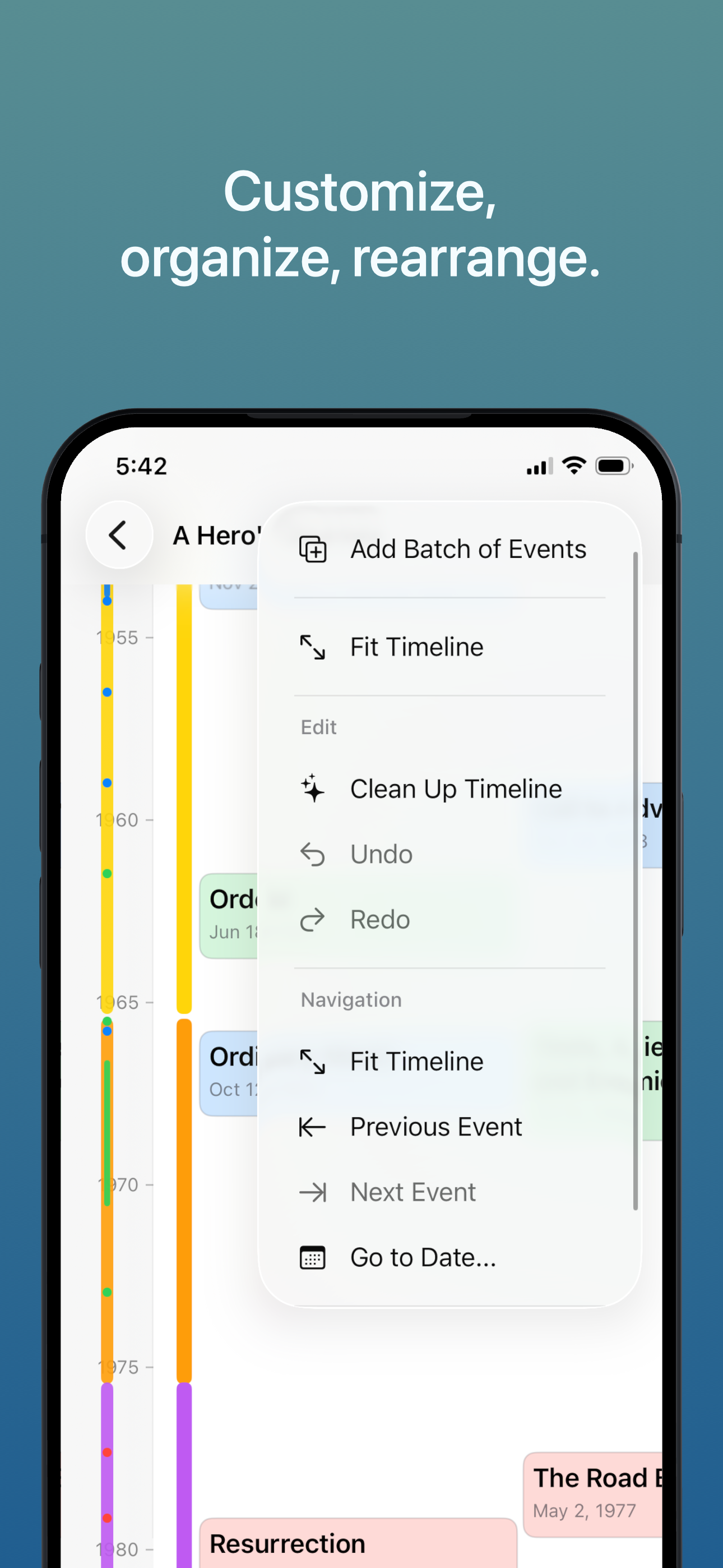
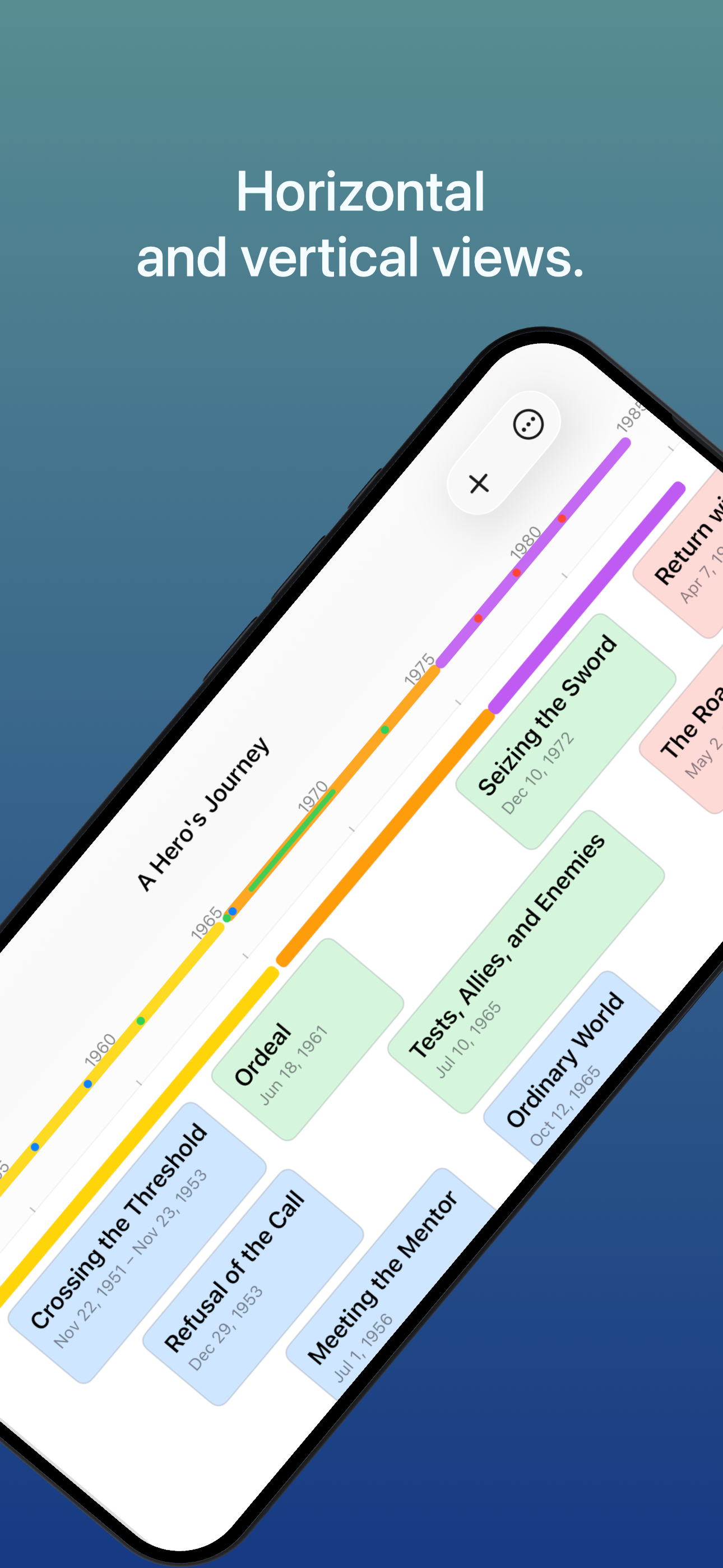
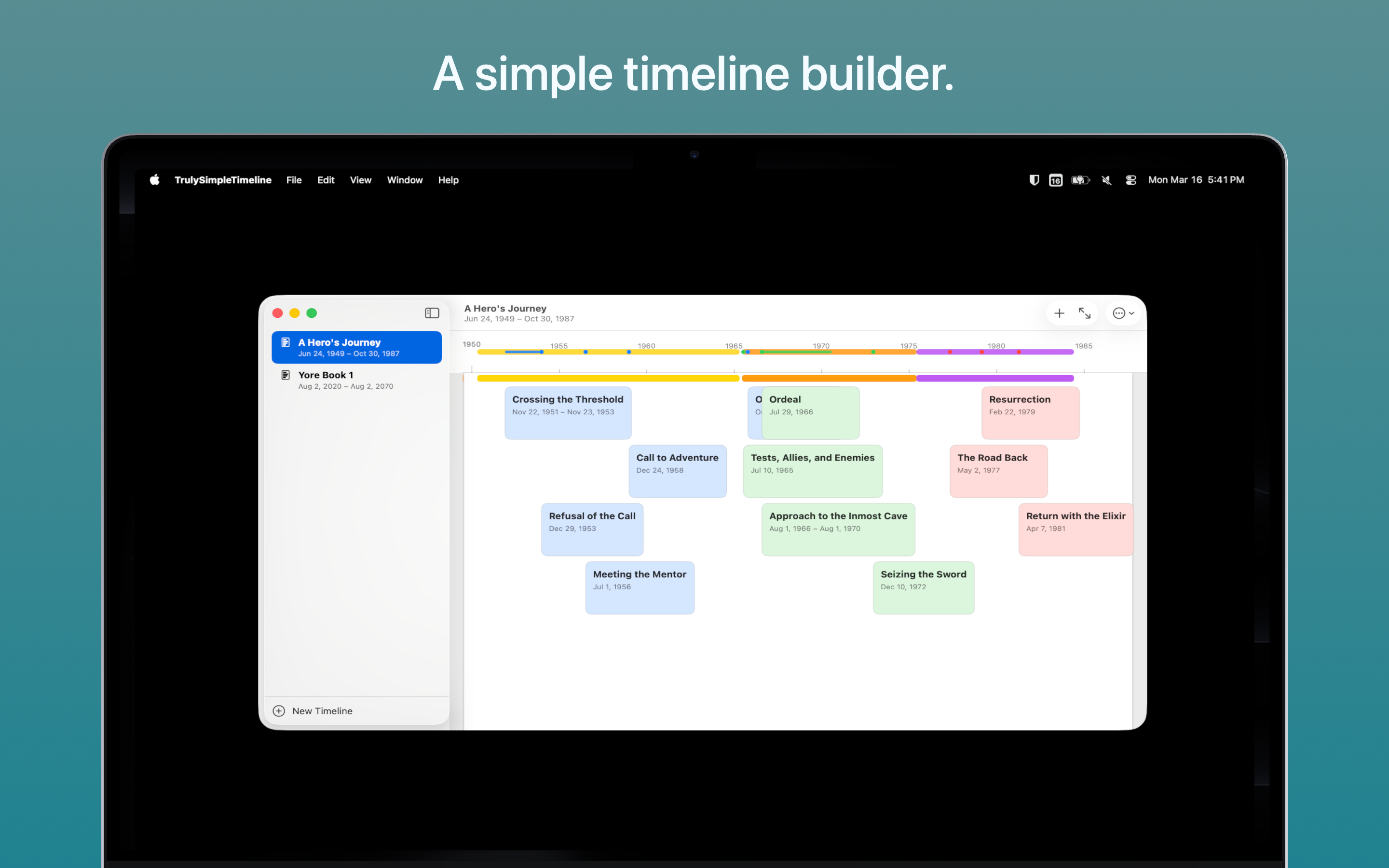
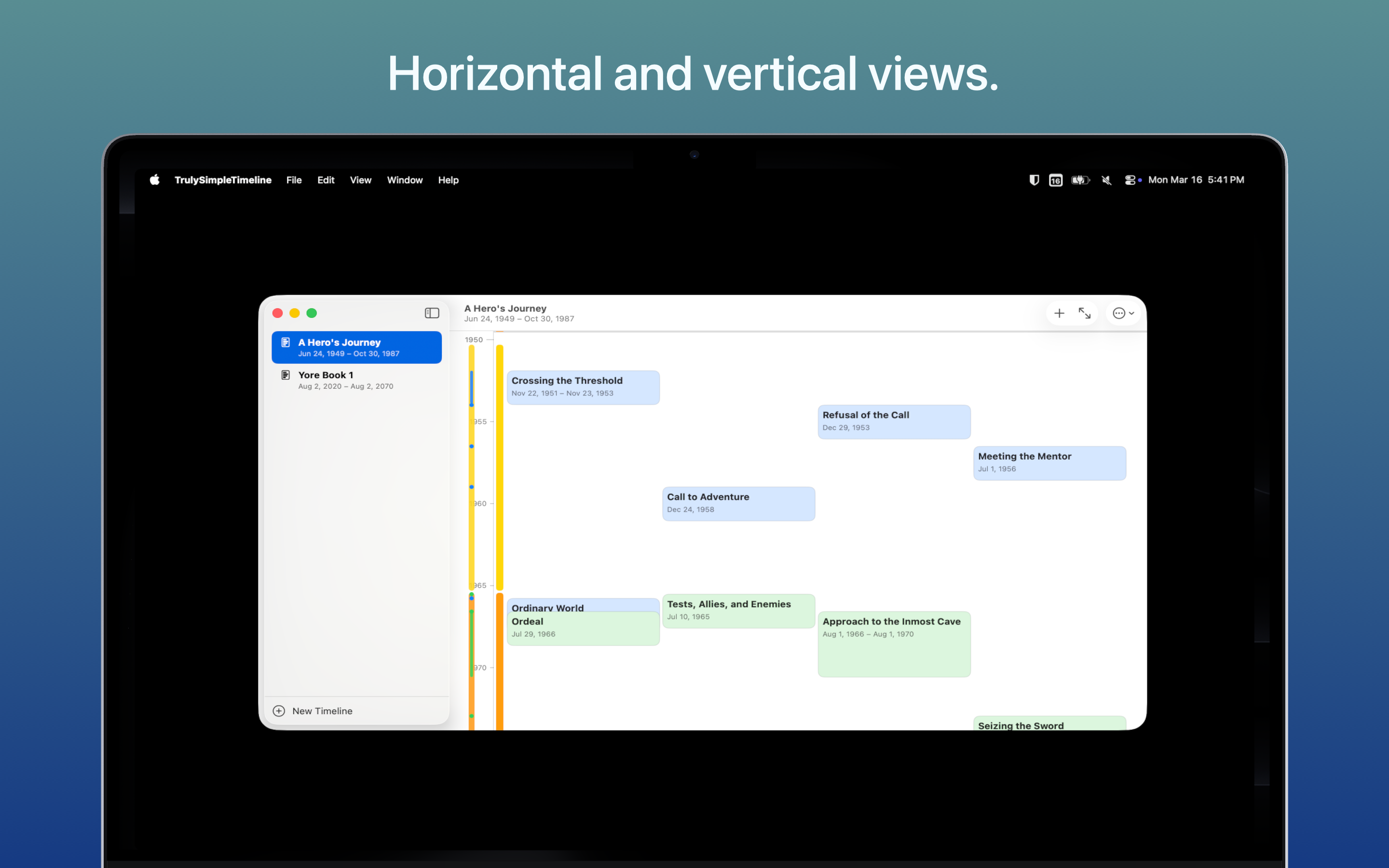
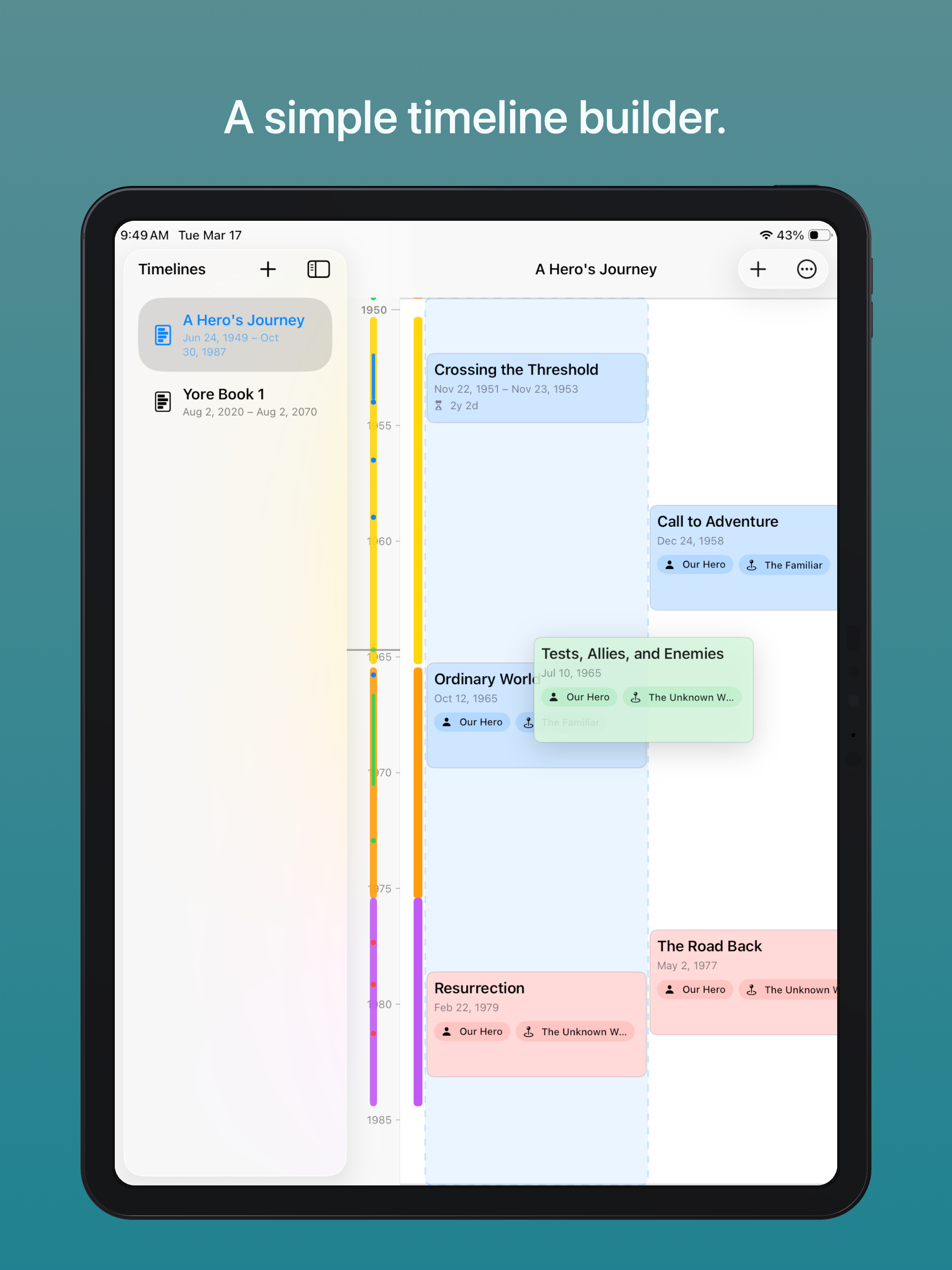
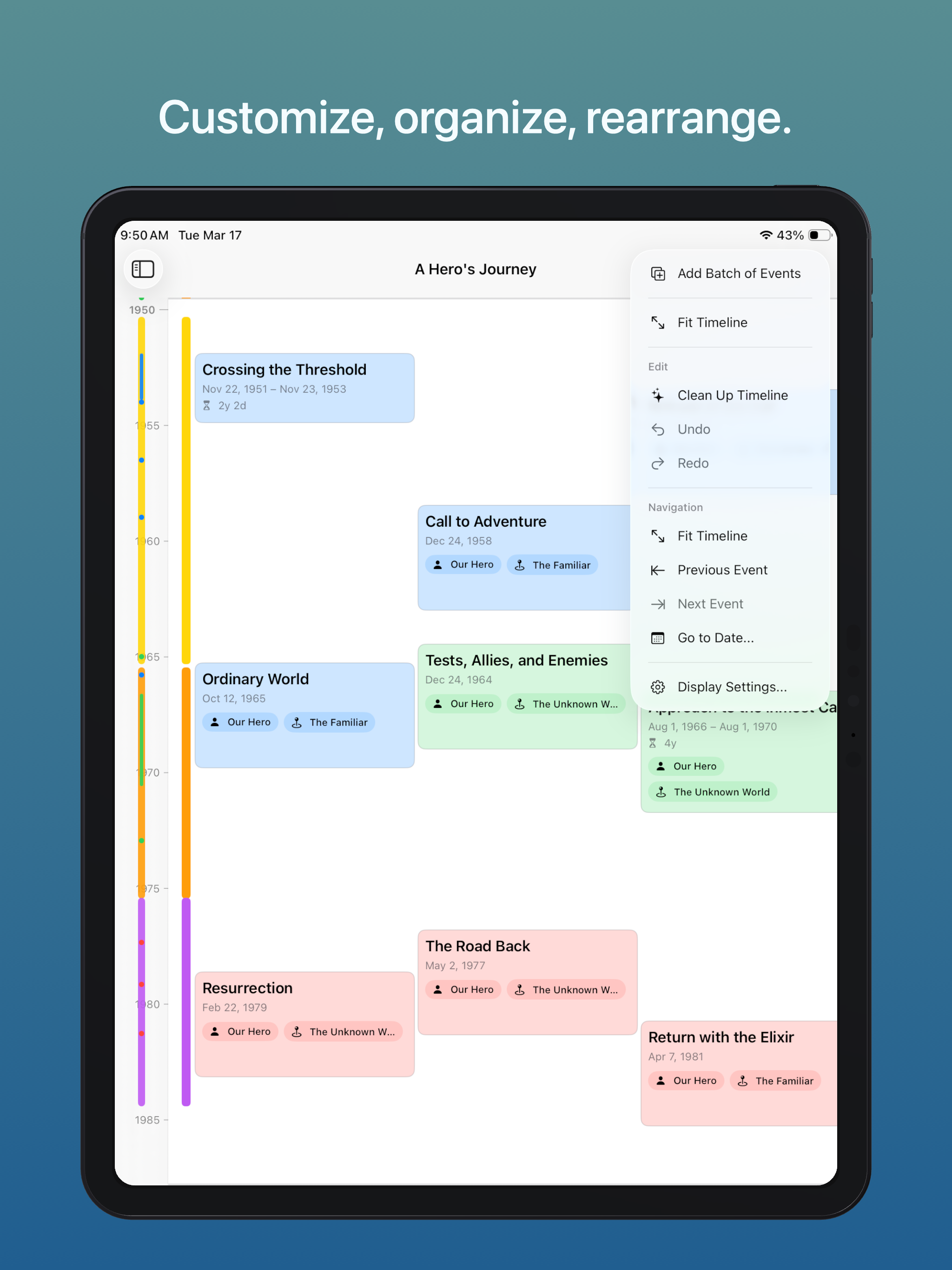
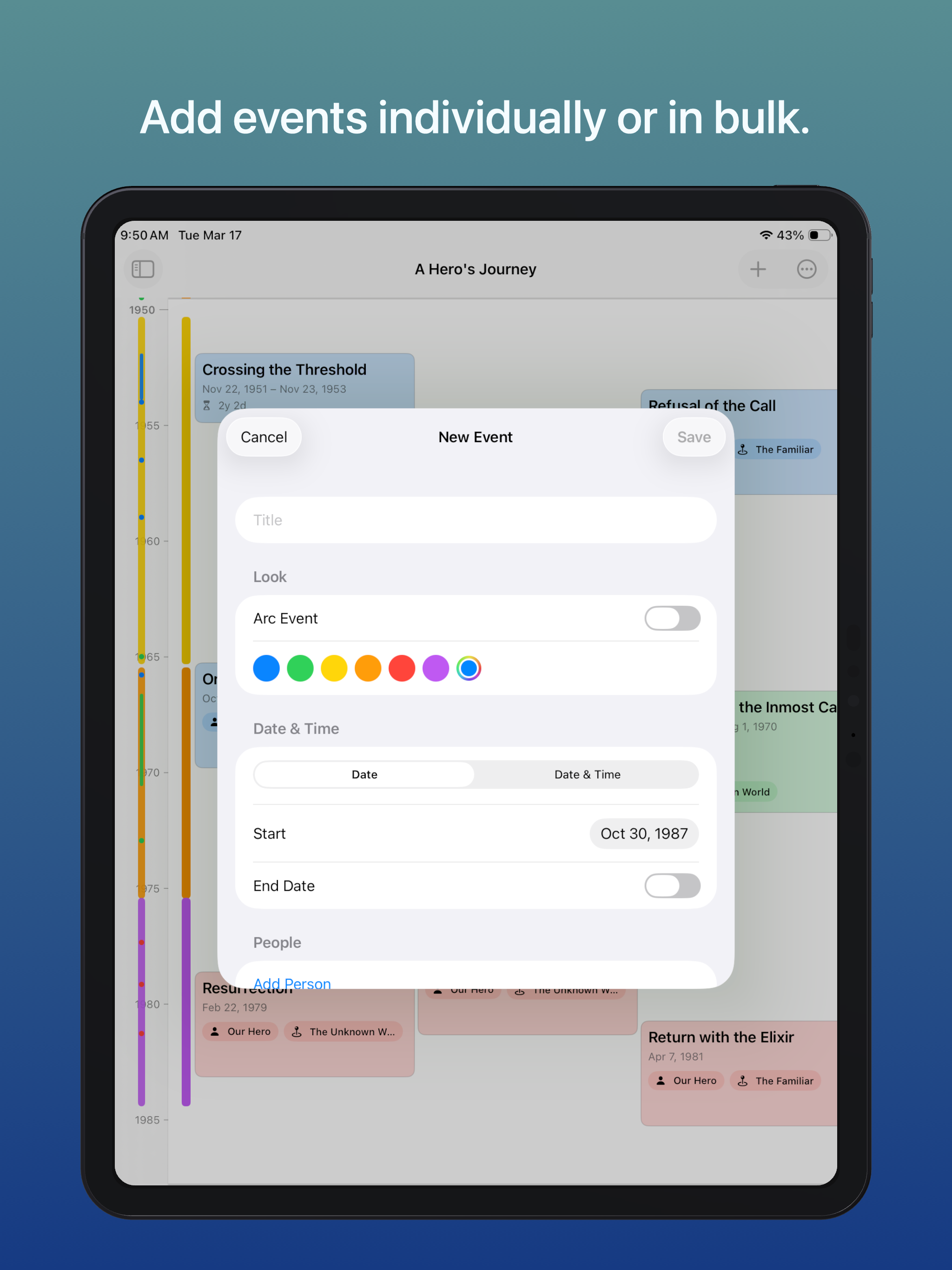
Truly Simple Timeline was built by a professional author to keep track of narrative arcs, story beats, and character moments across a novel. It’s a clean, tactile workspace where you can add events individually or in bulk, drag and drop them across centuries or hours, and adjust all your milestones whenever and however you please.
Features
- Intuitive interface: Drag and drop events across hours, days, or centuries.
- Flexible event types: Mix large-scale narrative arcs, single-date events, and duration periods seamlessly.
- Paper-like design: Organize with a curated color palette of warm creams, slate blues, and earthy greens, paired with your own custom hues.
- Reliable device sync: Your data flows effortlessly between your Mac, iPad, and iPhone, and your sync status is viewable any time.
- Fully accessible: Built natively for Apple devices with full VoiceOver support, Dynamic Type, and high-contrast readability.
- Pay once, keep forever: All core features are free. Unlock unlimited timelines with a single one-time, lifetime in-app purchase. No subscriptions, no ads, no hidden fees.
Tips & More Info
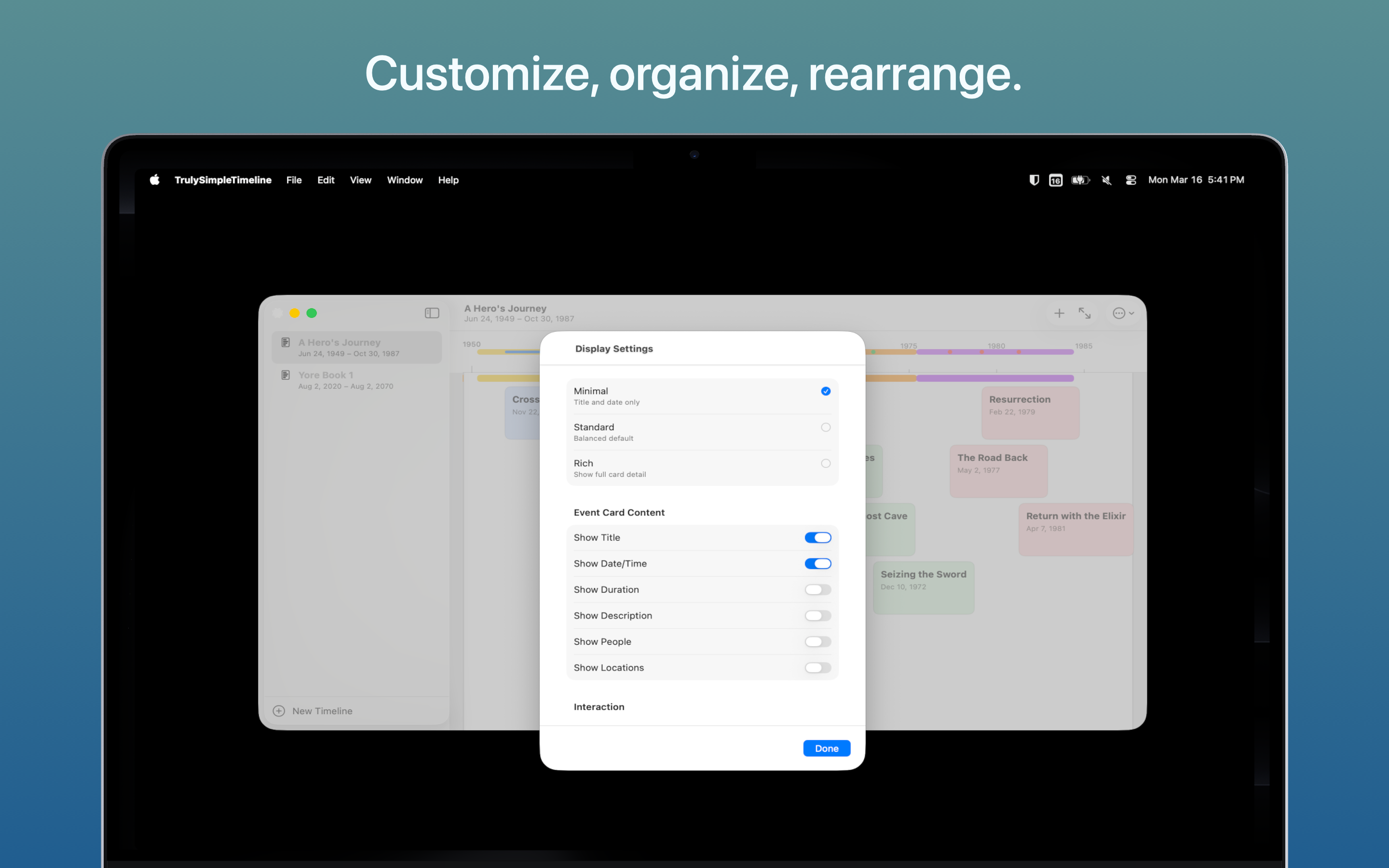
Play around with the display settings to get things looking the way you’d prefer (showing or not-showing various data on the event bubbles can make timelines more intuitive, depending on how you’re using them).
Some features that are useful when you’re initially building your timeline (like tapping and clicking to add an event directly to the timeline, or dragging the event bubbles to new locations) may become annoying after you’ve got the basics set up, so periodically check your settings and toggle things on or off as warranted.
I built this app while editing the first novel of an intended trilogy. Remembering all the dates was becoming a real task, and while there are other solid timeline options out there (Aeon Timeline is really powerful if you learn how to use it), most of them either have too many or not enough features, don't look great (to my eyes), or are too expensive. So I built my own.
Frequently Asked Questions
- Is the app free?
- Yes, the app is completely free to download and use, but there's a "paywall" for one feature: the ability to make more than one timeline at once. If you'd like to unlock that feature (to have unlimited timelines going simultaneously) or just want to support further development of the app (and my work in general) it's a $4.99 one-time, lifetimein-app purchase.
- What platforms are supported?
- Currently, the app is available for iOS 17.0 or later and macOS 14.0 or later (I'll continue to make these apps as back-compatible as possible, but some of the visual elements in particular are fairly reliant on capabilities offered by modern versions of iOS and MacOS).
- How do I report a bug or request a feature?
- Reach out via one of the options on the contact page.
Privacy Policy
The app does not collect any personal data and contains no tracking.