
Truly Simple Slide Deck
Markdown to Presentation


Screenshots
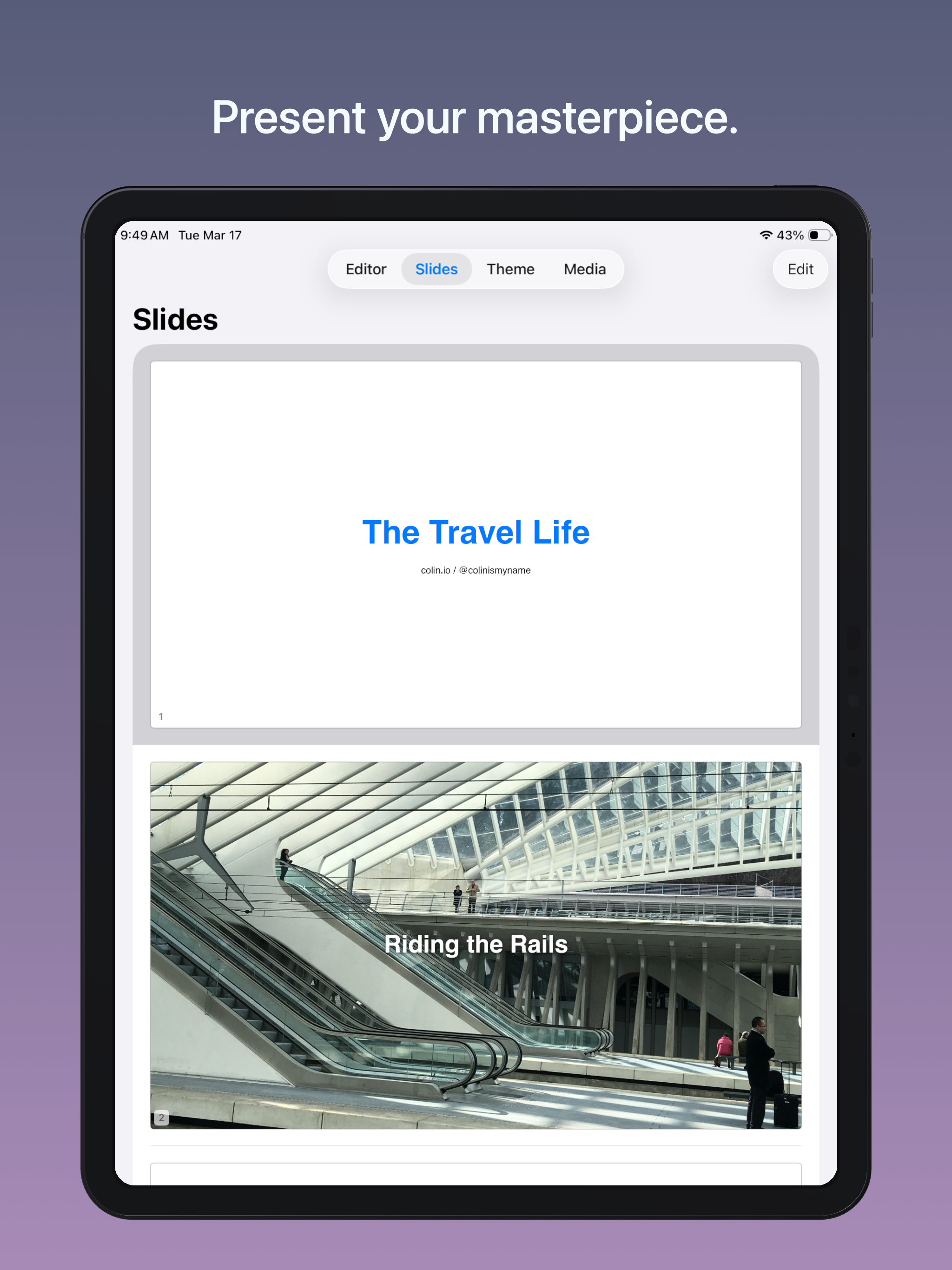
About the App
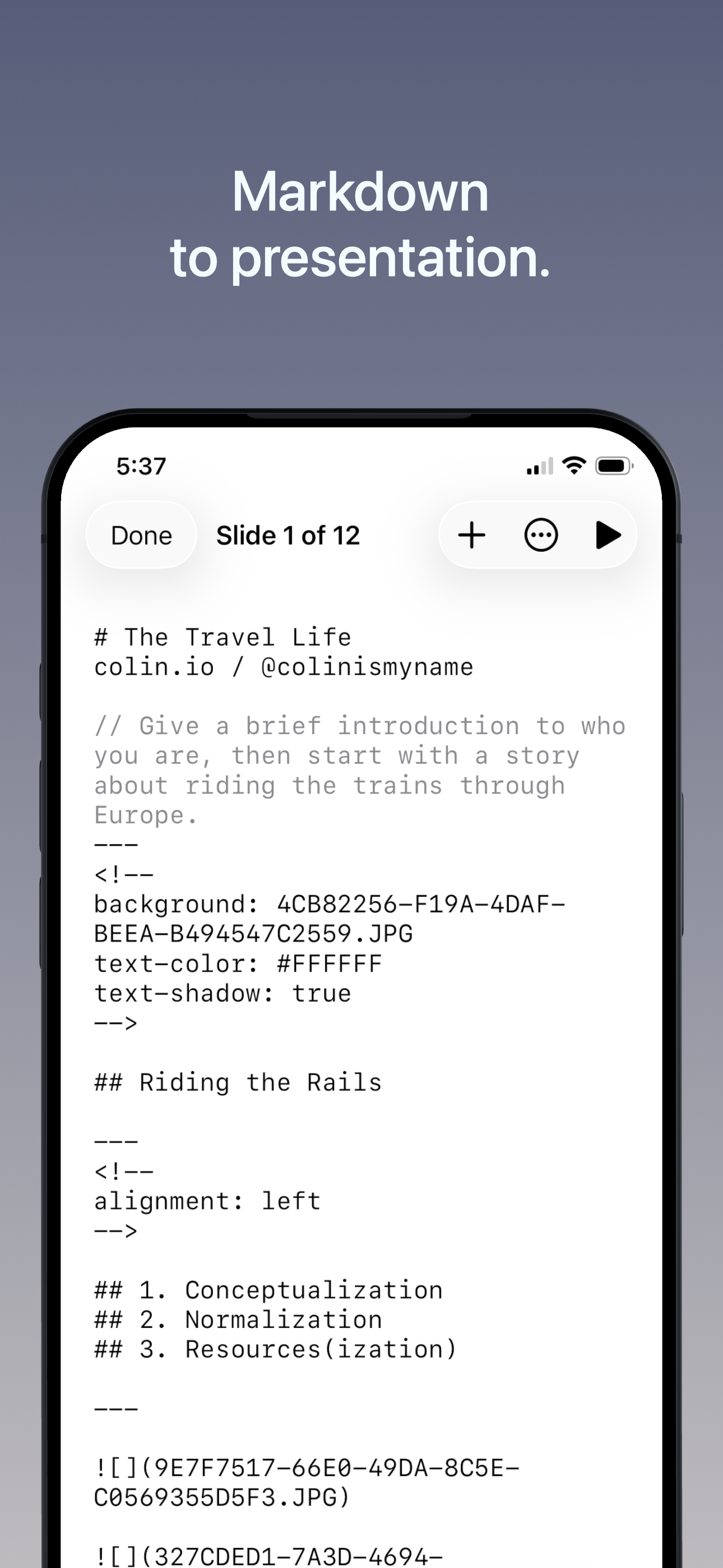
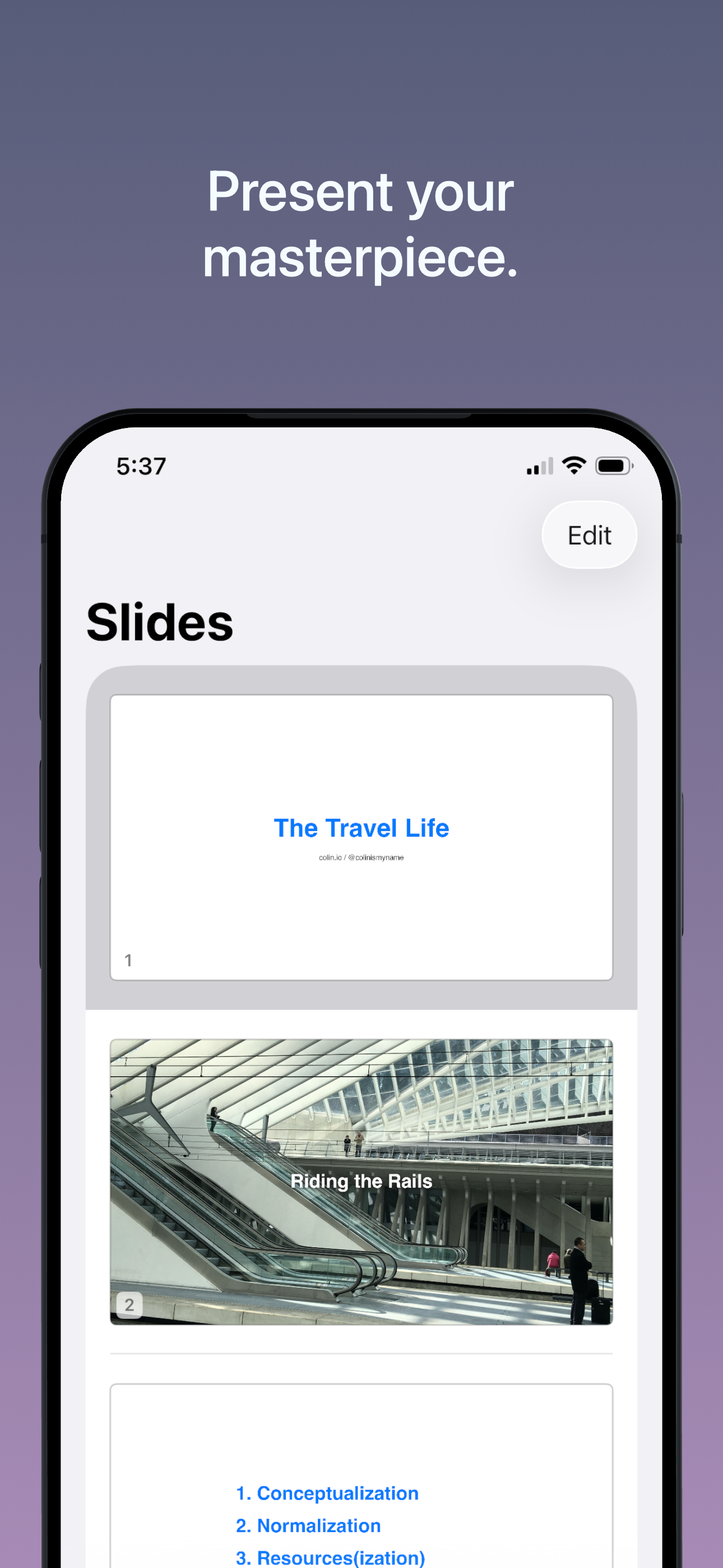
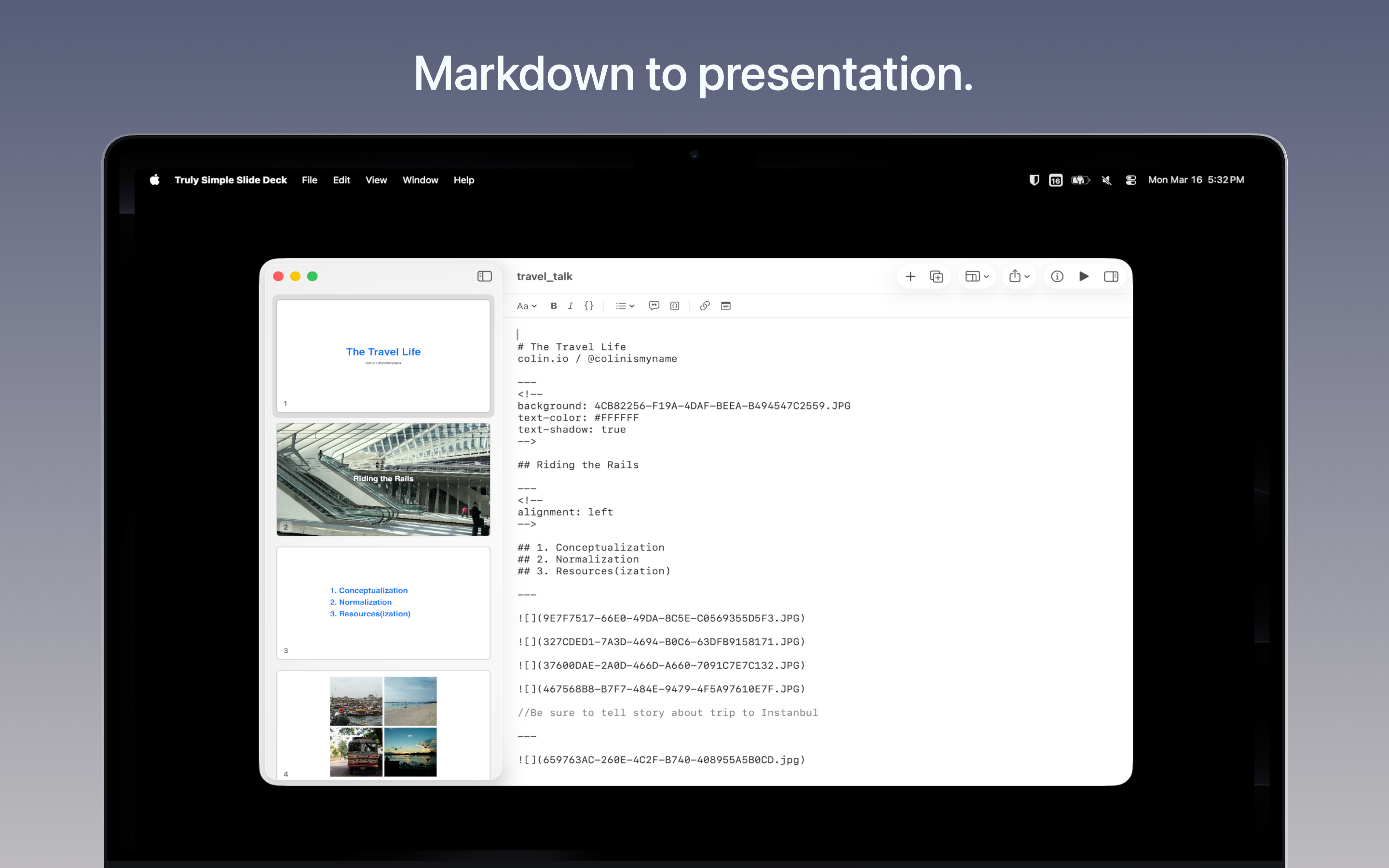
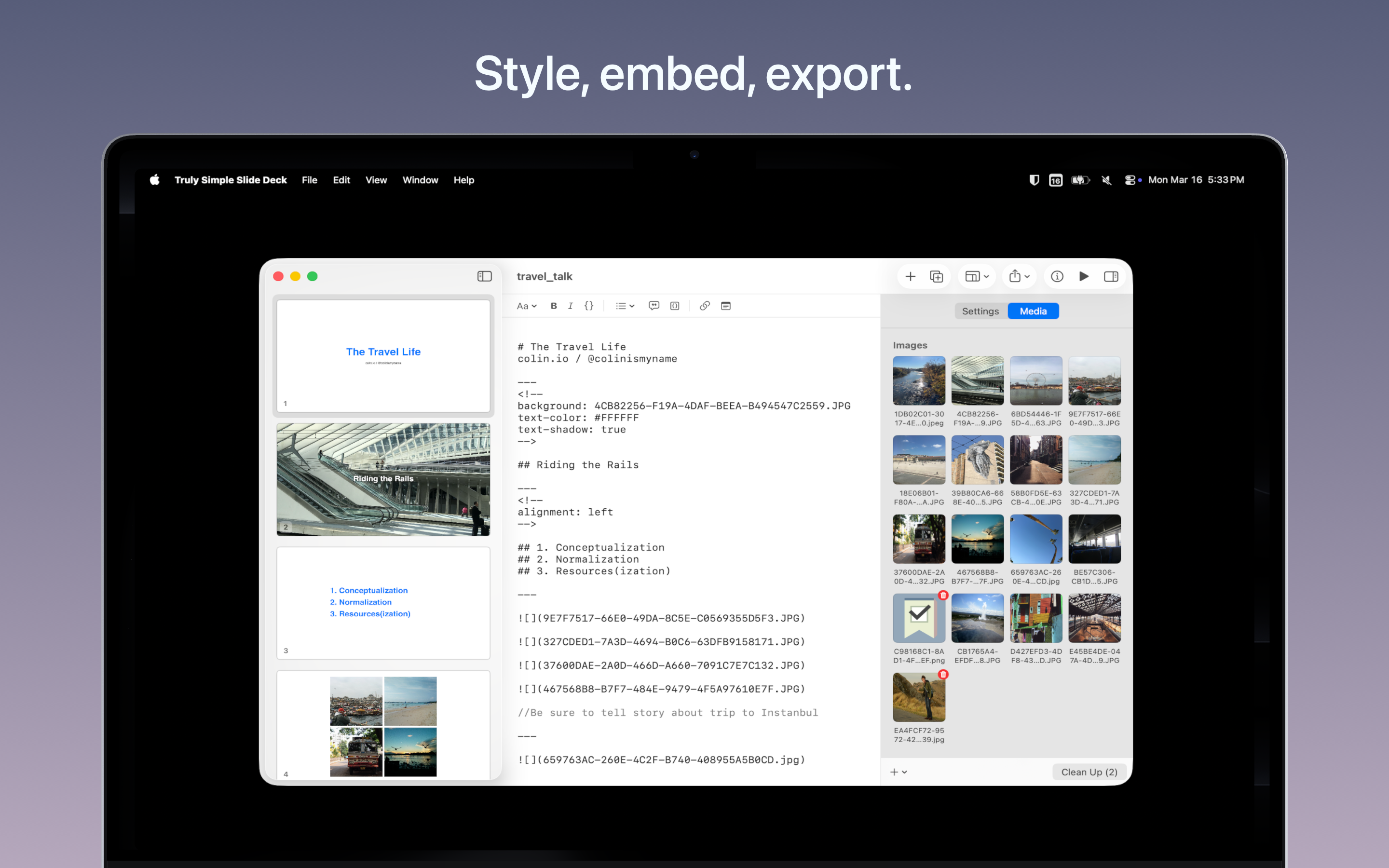
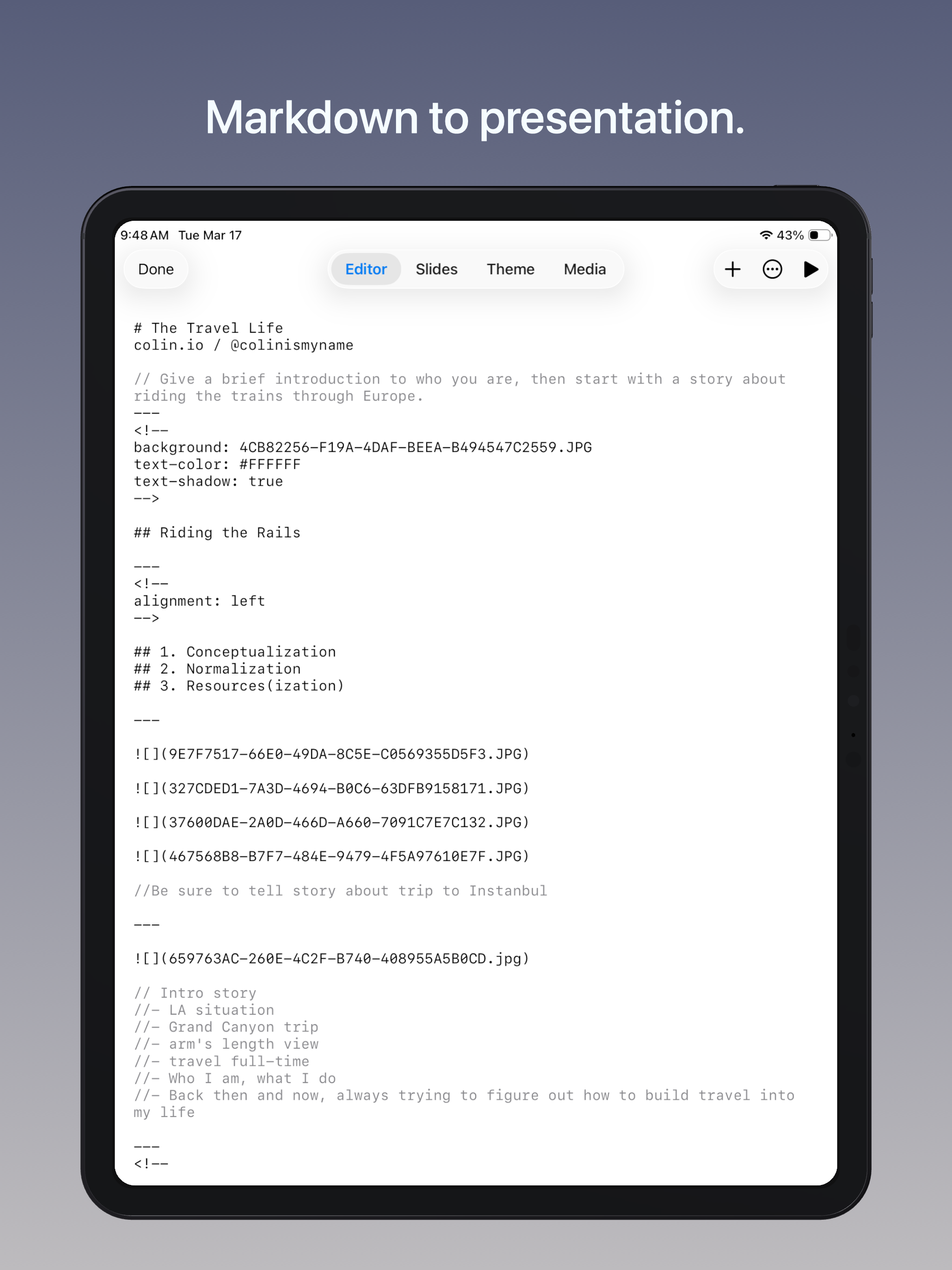
Write what you want to say in plain text. Truly Simple Slide Deck automatically styles it into a beautiful presentation.
No complex formatting ribbons, cluttered menus, or spinning loading wheels. Just type your thoughts, separate them into slides, and let the app handle the design and presentation.
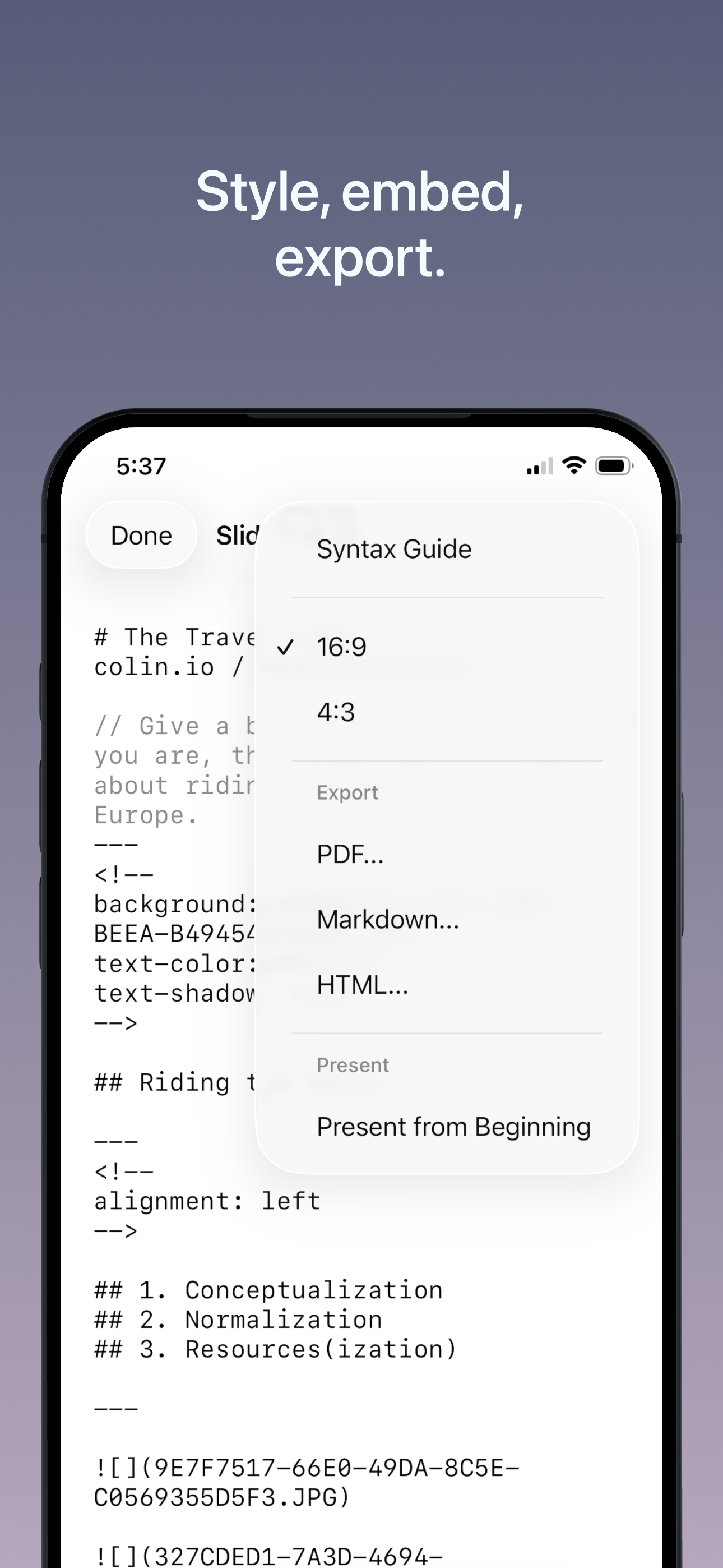
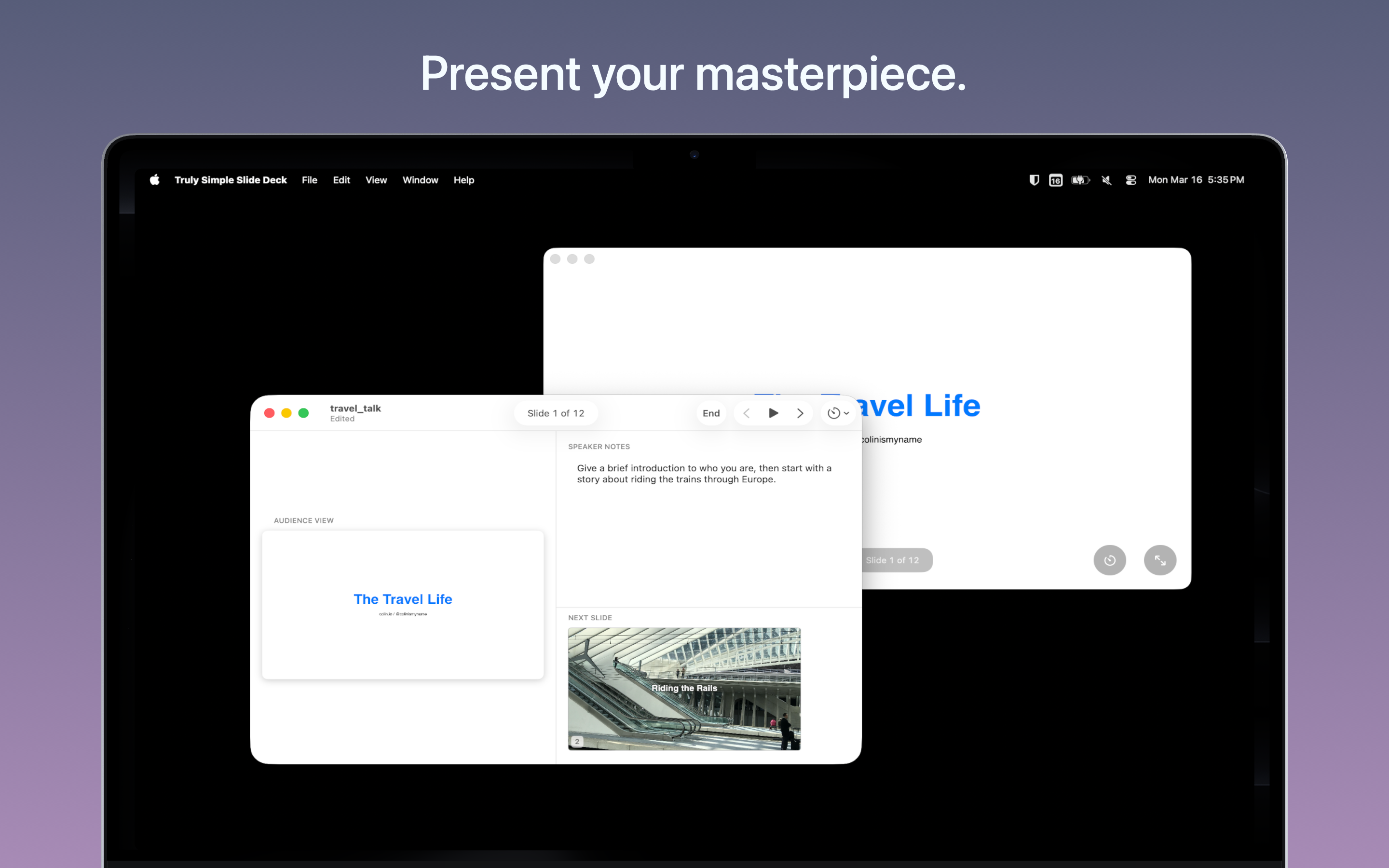
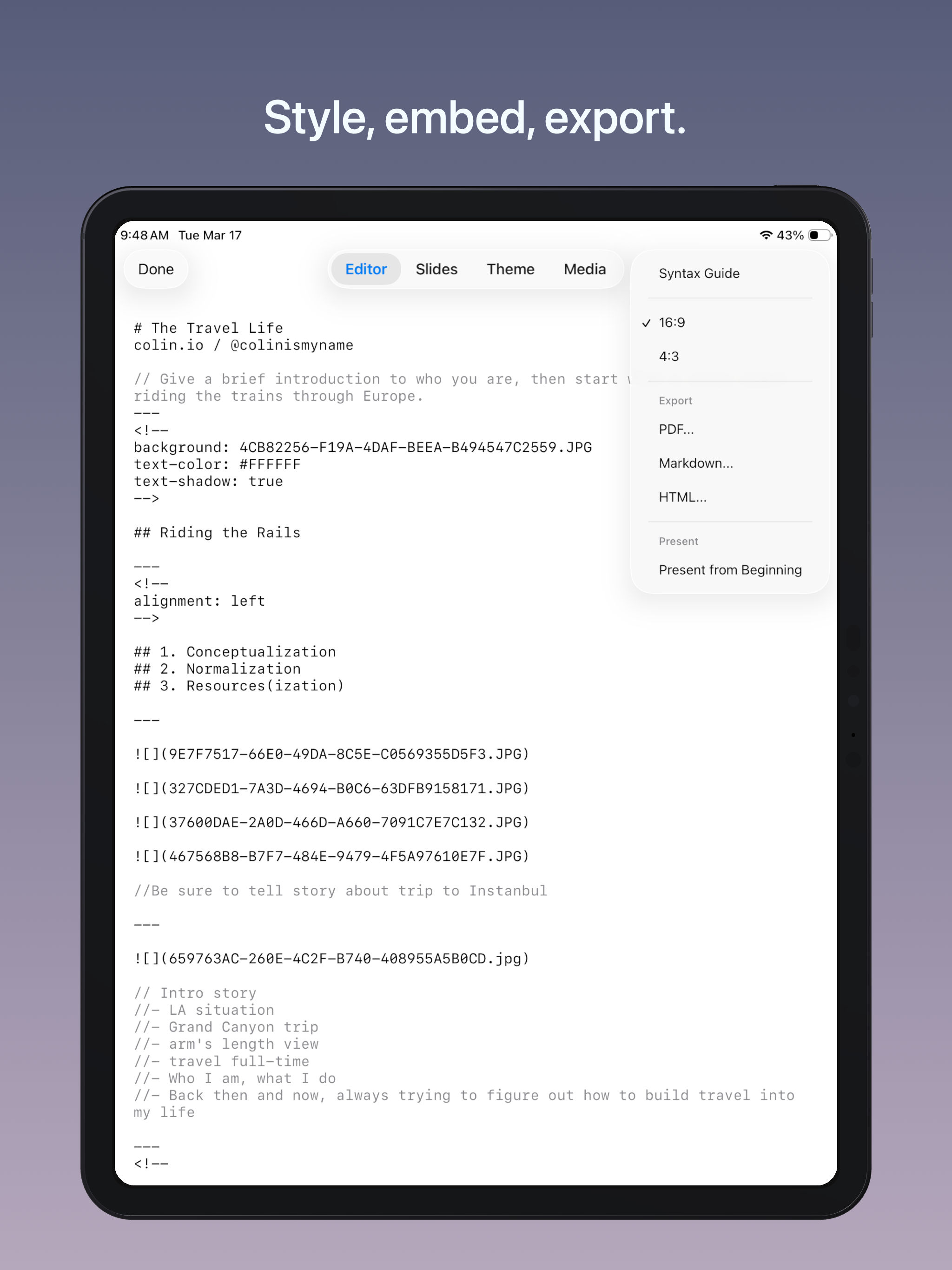
Present directly from your device using the built-in presenter view (complete with speaker notes and upcoming slide thumbnails), or export your finished deck as a PDF, webpage, or ultra-portable Markdown file. Sync your progress instantly across iPhone, iPad, and Mac via iCloud.
Every core feature is completely free. A one-time, lifetime purchase unlocks custom themes, custom colors, and custom fonts—with absolutely no subscriptions. Buy once, own forever.
Features
- Write and format beautiful slides using plain Markdown text.
- Present natively with a built-in presenter view featuring speaker notes, next-slide previews, and auto-advance controls.
- Export anywhere as highly portable PDFs, HTML webpages, or raw Markdown text.
- Transition seamlessly between System, Light, and Dark modes.
- Read comfortably with fully WCAG-compliant dynamic text scaling, high-contrast reading themes, and VoiceOver support.
- Sync across iOS 17+ and macOS 14+ devices using iCloud.
Tips & More Info
Markdown is wonderful because it prevents software lock-in. You can write your presentation in any text editor, then copy-paste or import it directly into Truly Simple Slide Deck. If you prefer to write natively in the app, you'll see your slides emerge and format in real-time as you type.
Pro-tip for structuring: Outline what you want to say first. Let your narrative dictate the slide count, then insert slide breaks where appropriate, rather than trying to fill pre-made layouts.
Pro-tip for media: On macOS, drag and drop images directly into the thumbnail sidebar to replace placeholder graphics. On iOS, tap the plus icon in the top-right corner of any placeholder image to select a replacement.
Frequently Asked Questions
- Is the app free?
- Yes. You can download, write, present, and export decks entirely for free. If you want to change the built-in theme colors or fonts, you can unlock Pro for a single, one-time payment of $4.99. No subscriptions, no recurring fees. Buy once, own forever.
- What platforms are supported?
- Currently, the app is available for iOS 17.0 or later and macOS 14.0 or later.
- How do I report a bug or request a feature?
- Reach out via one of the options on the contact page.
Privacy Policy
The app does not collect any personal data and contains no tracking.