 Truly Simple Tools
Truly Simple Flashcards: Spaced Repetition, Simplified


Screenshots
About the App
Truly Simple Flashcards is a clean, no-subscription spaced-repetition app for iPhone, iPad, and Mac. Whether you're a student cramming for exams, a language learner building vocabulary, a professional studying for boards, or simply an Anki refugee looking for a modern alternative, this app does the core job exceptionally well and stops there.
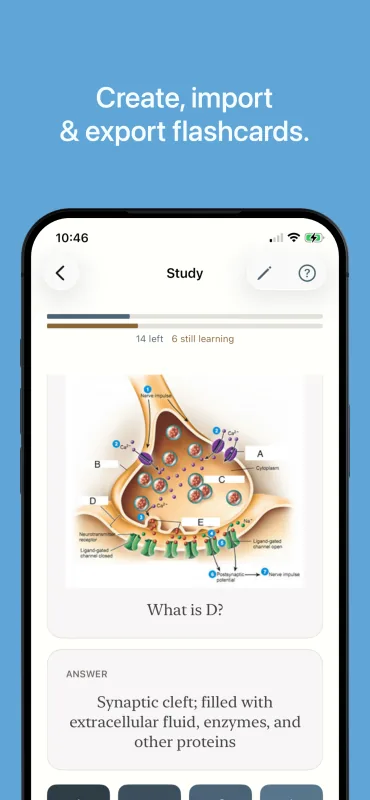
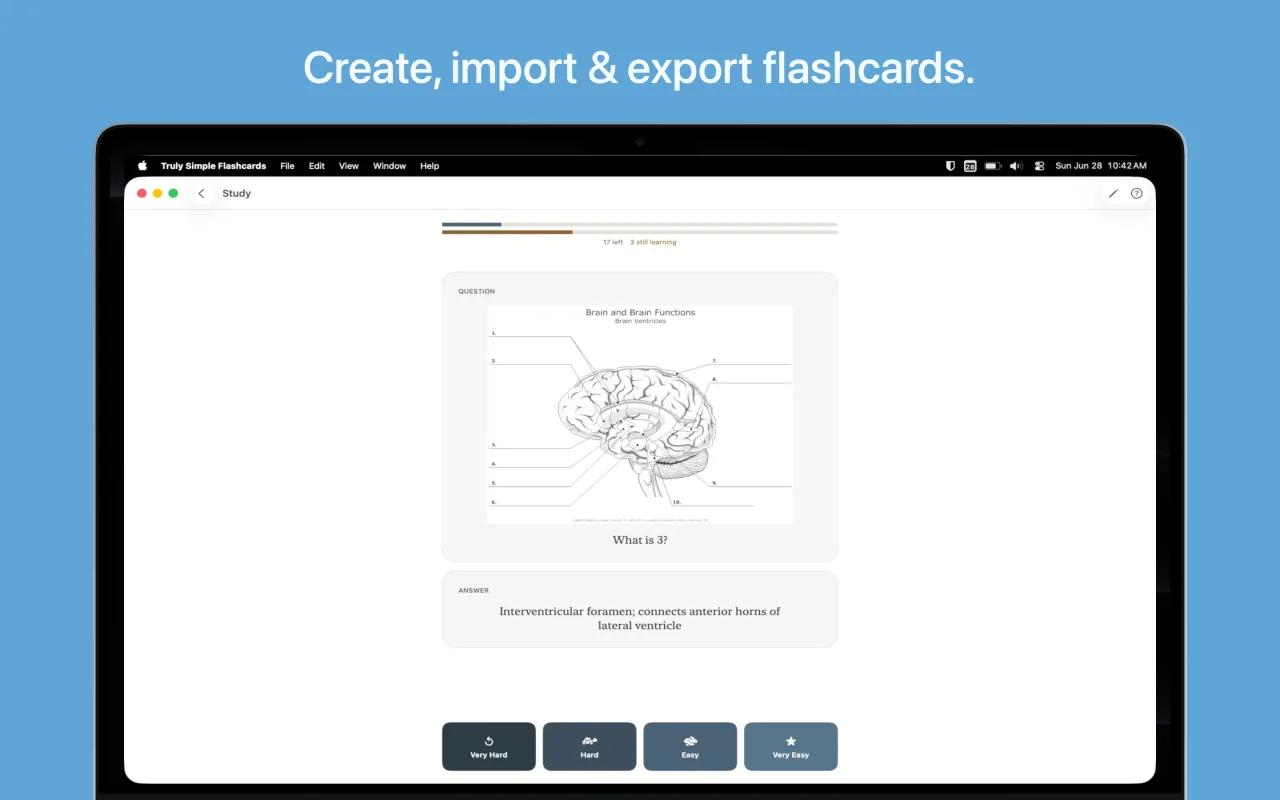
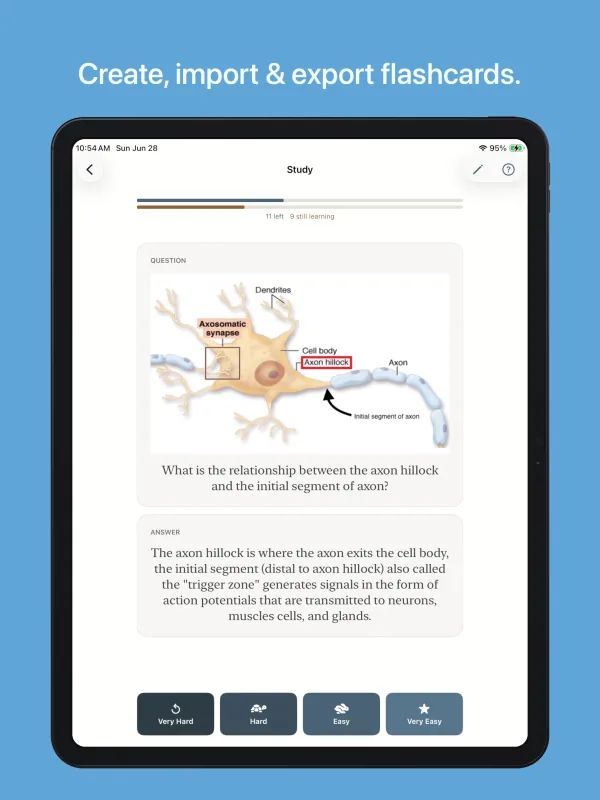
Make decks, add cards, and study. The app decides when to show each card again using FSRS, which is the same modern spaced-repetition algorithm power users trust. By asking you to grade how hard a card was to recall, the schedule adapts, ensuring you only spend time on the concepts you are about to forget. Format your cards with bold, italics, and colors, keep related decks together in groups, and add audio to either side of a card when hearing something matters as much as reading it. Bring in your existing decks from Anki or a spreadsheet, export your decks to use elsewhere, study seamlessly across all your Apple devices, and own your software forever.
Features
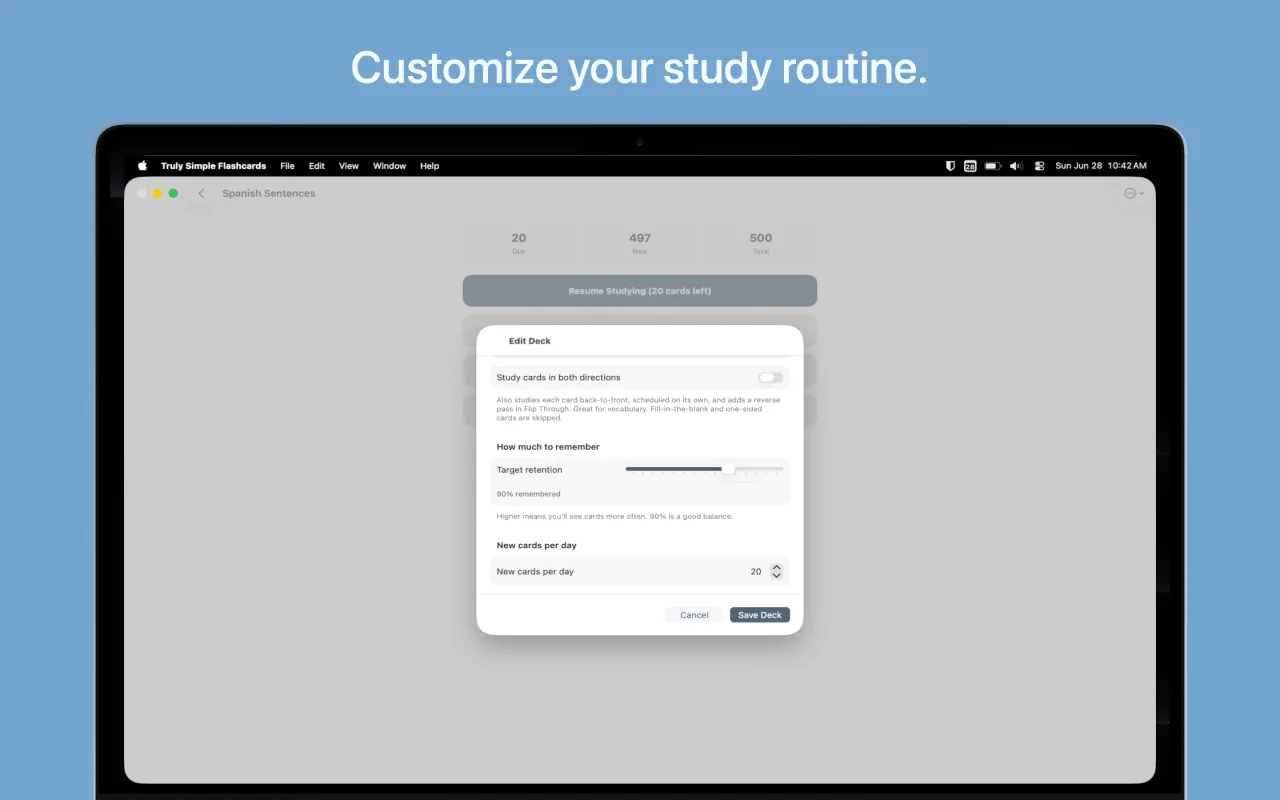
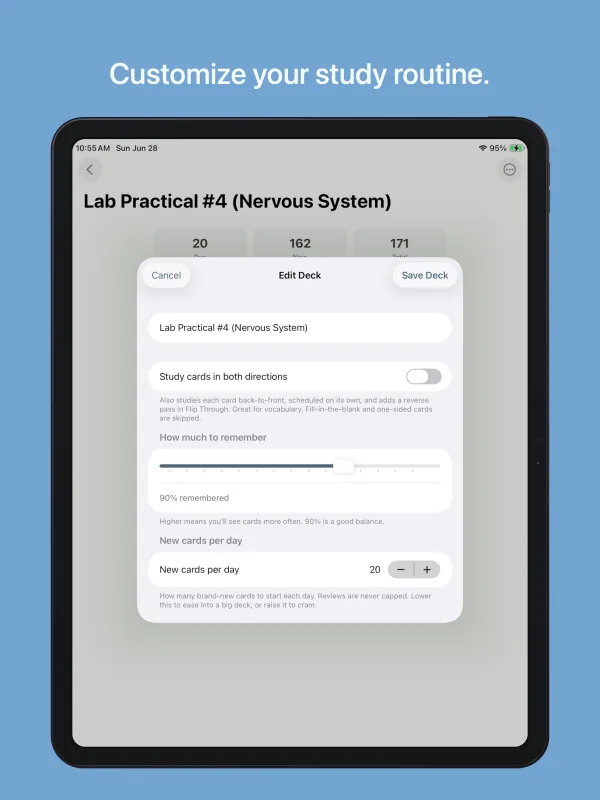
- Smart scheduling: Uses the proven FSRS algorithm to adapt to your memory, with an adjustable "target retention" rate per deck.
- Two card types: Create classic front-and-back cards, or use fill-in-the-blank (cloze) cards to memorize words in context. Images are fully supported on either side of the card.
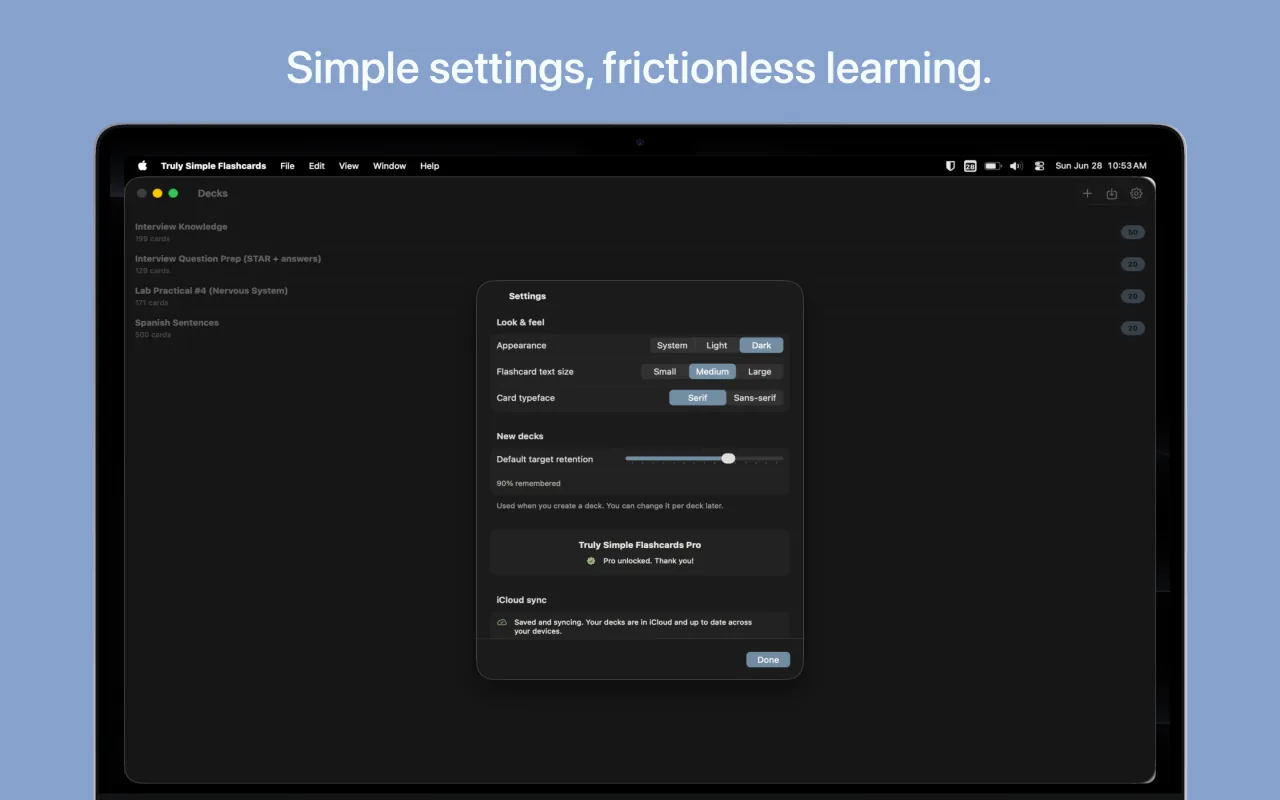
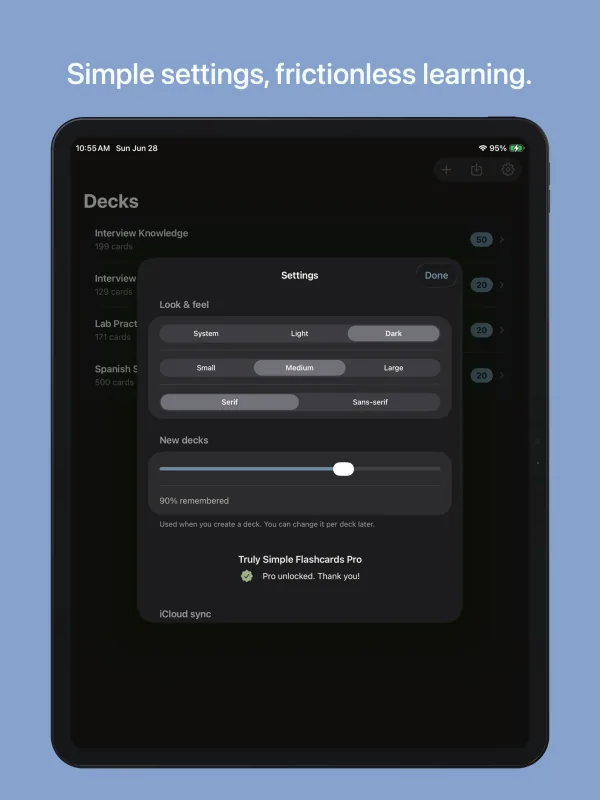
- Formatting and color-coding: Make words bold, italic, or underlined, and color-code your cards with five text colors and four highlights. Colors stay readable in light and dark mode.
- Audio on your cards: Attach audio to the front of a card, the back, or both. Add an existing audio file, or record it directly in the app. Great for pronunciation, music, and anything easier to hear than to read.
- Deck groups: Keep related decks together, like every topic in a unit. Groups fold away when you don't need them and show what's due inside.
- Simple imports: Bring your existing decks with you. Easily import Anki files (.apkg / .colpkg, including the newest formats) or CSV/TSV spreadsheets. Anki subdecks arrive as groups, with their formatting intact.
- Two-way study: Turn on two-way review to test your recall back-to-front, which is especially effective for learning vocabulary words.
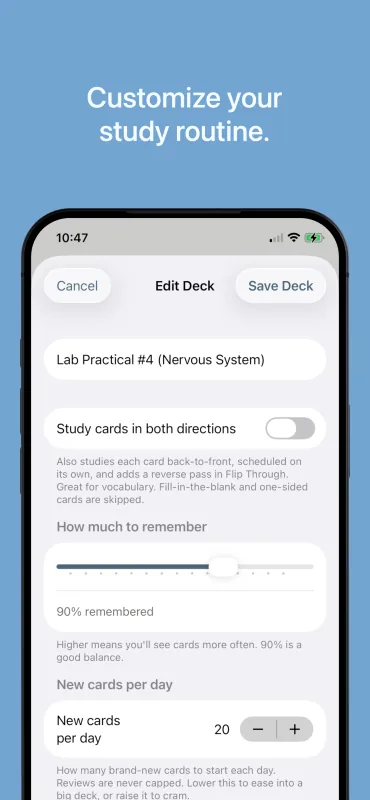
- Paced learning: Set a daily limit for new cards so a huge imported deck doesn't overwhelm your study session.
- Study ahead: Caught up for the day and want more? Study tomorrow's cards early.
- Undo a grade: Tapped the wrong button? Undo brings the card back so you can answer it again.
- Flip-through mode: Review a deck casually without affecting your spaced-repetition schedule.
- Reliable device sync: Your decks sync privately and securely through your own personal iCloud account across your Mac, iPad, and iPhone.
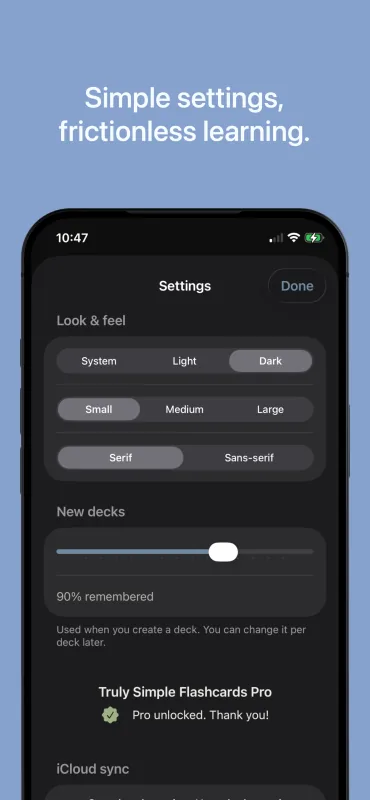
- Genuinely accessible: Built natively for Apple devices with full VoiceOver support, Dynamic Type for comfortable reading, light/dark modes, and calm, minimal motion.
- Pay once, keep forever: Use one deck for free with unlimited cards. Unlock unlimited decks with a one-time, lifetime in-app purchase. No subscriptions, no ads, no hidden fees.
Tips & More Info
- If you're importing a massive deck (like a 2,000-word language list), the app defaults to showing you 20 new cards a day. You can adjust this limit in your deck settings so you ease in comfortably and don't hit a wall of reviews on day two.
- The fill-in-the-blank (cloze) card type is great for learning languages or medical terms in context. You can hide multiple words in a single sentence; the front of the card hides them all, and the back reveals the complete thought.
- Audio works well in both directions: put a recording on the front to practice listening comprehension, or on the back so you hear the correct pronunciation right after you guess. Recording in the app takes only a couple of seconds, so it stays practical even for a large vocabulary deck.
- Coming from Anki? Subdecks import as groups: a deck named Unit 1::Vocab becomes the Vocab deck inside a Unit 1 group. Bold, italics, underlines, and colors come along too, matched to the app's color palette.
- Study Ahead appears once a deck is caught up. Reviewing early still helps, just a little less than reviewing on time, so it works best on days when you have extra time rather than as a daily habit.
- I built this app because I love the power of spaced repetition, but found existing options too complicated, cluttered, or bogged down by monthly fees. I wanted something clean that syncs via iCloud and gets out of the way. I hope it helps you learn whatever you're tackling next.
Frequently Asked Questions
- Is the app free?
- Yes, the app is completely free to download and fully functional for a single deck (with unlimited cards). If you want to study multiple subjects and unlock unlimited decks, it's a one-time, lifetime in-app purchase ($4.99). There are absolutely no subscriptions or recurring fees. You own it forever.
- How do I import an Anki deck?
- You can import .apkg and .colpkg files directly into the app (including Anki's newest export formats). Just select the file on your device, and the app brings over your cards, images, audio, and text formatting such as bold, italics, and colors. Subdecks arrive as deck groups: a deck named Unit 1::Vocab becomes the Vocab deck inside a Unit 1 group. You can also import CSV, TSV, or plain text files using a simple column-mapping step to make sure your spreadsheets line up correctly.
- Can I format the text on my cards?
- Yes. You can make text bold, italic, or underlined, and color-code it with five text colors and four highlight colors. Select the words and use the buttons under the text field, or the usual keyboard shortcuts. Colors are tuned to stay readable in both light and dark mode.
- Can I organize decks into groups or folders?
- Yes. Put related decks in a group, such as every topic in a course unit. Groups fold away in your deck list when you don't need them and show how many cards are due inside. Ungrouping a group keeps all of its decks.
- Can I add audio to my cards?
- Yes. You can attach audio to the front of a card, the back, or both. Add an existing audio file from your device, or record it right inside the app. It's especially useful for language pronunciation and music practice, and it plays back on your iPhone, iPad, and Mac.
- How do spaced repetition and FSRS work?
- Spaced repetition is a study method where cards are reviewed at increasing intervals. FSRS is a modern spaced-repetition algorithm that adapts to your memory. After you reveal a card's answer, you rate how hard it was to recall (Very Hard, Hard, Easy, or Very Easy). FSRS then estimates when you're likely to forget that card and schedules its next review shortly before then, so you spend less time on material you already know well.
- What devices does it run on?
- Truly Simple Flashcards runs on iPhone and iPad with iOS 26 or later, and on Mac with macOS 26 or later. One purchase covers all of your devices.
- Where is my study data stored?
- Your decks and study progress sync privately through your personal iCloud account. Your cards sync automatically across your iPhone, iPad, and Mac whenever iCloud is available, and you can study fully offline in the meantime.
- How do I back up or export my decks?
- You can export your cards to a standard CSV for plain-text interchange, or create a full deck backup (.zip). The .zip backup preserves all your images and your review schedule, making it the perfect way to archive a deck or manually move it between apps or devices.
Privacy Policy
The app does not collect any personal data and contains no tracking.